

Gaming without battle passes.
Takes without paywalls.
And stories without reposts.

Bored in Fallout 4? Just Play Morrowind on Your Pip-Boy
Fallout 4 doesn’t really belong here unless we’re putting it in the satire section. But when a modder gets Morrowind running on its Pip-Boy, that’s absolutely Mainstream Outside news.
Bored in Fallout 4, are we? Can’t be. There are far too many settlements that need your help. 😉 But should you really find yourself twiddling your thumbs out in the Commonwealth, Bethception dropped yesterday—and it’s a pretty excellent way to kill some time.
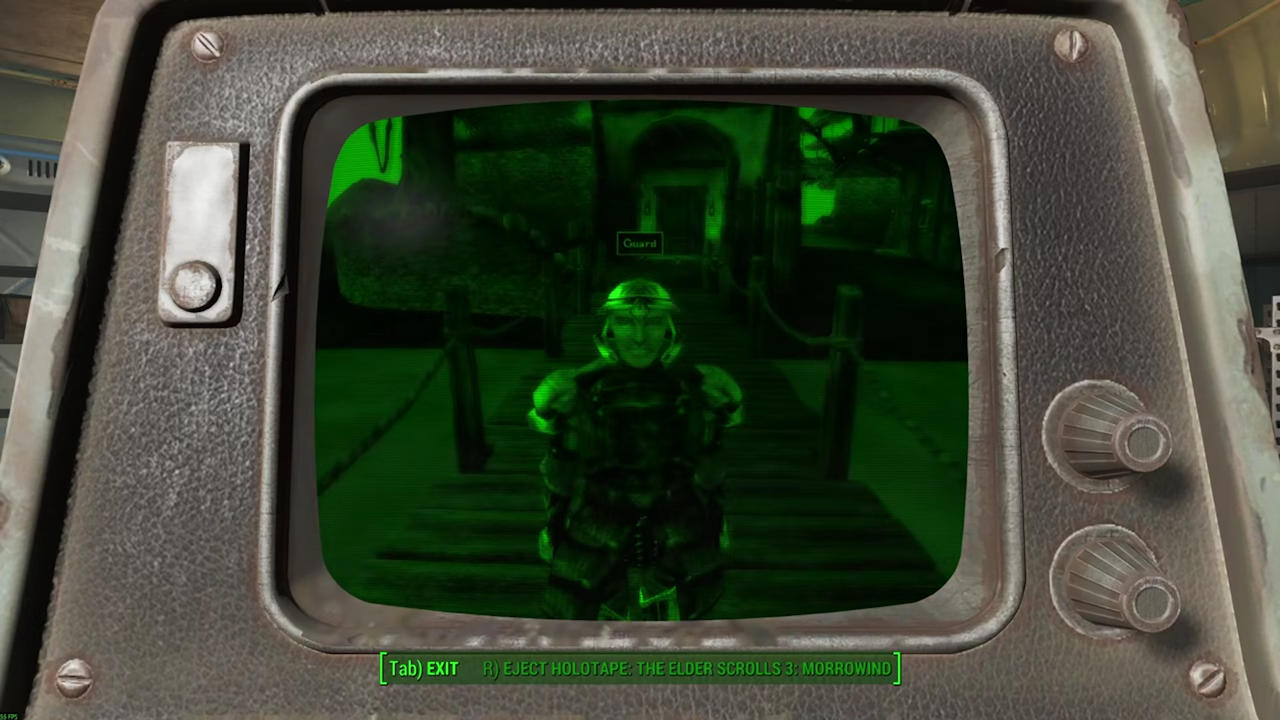
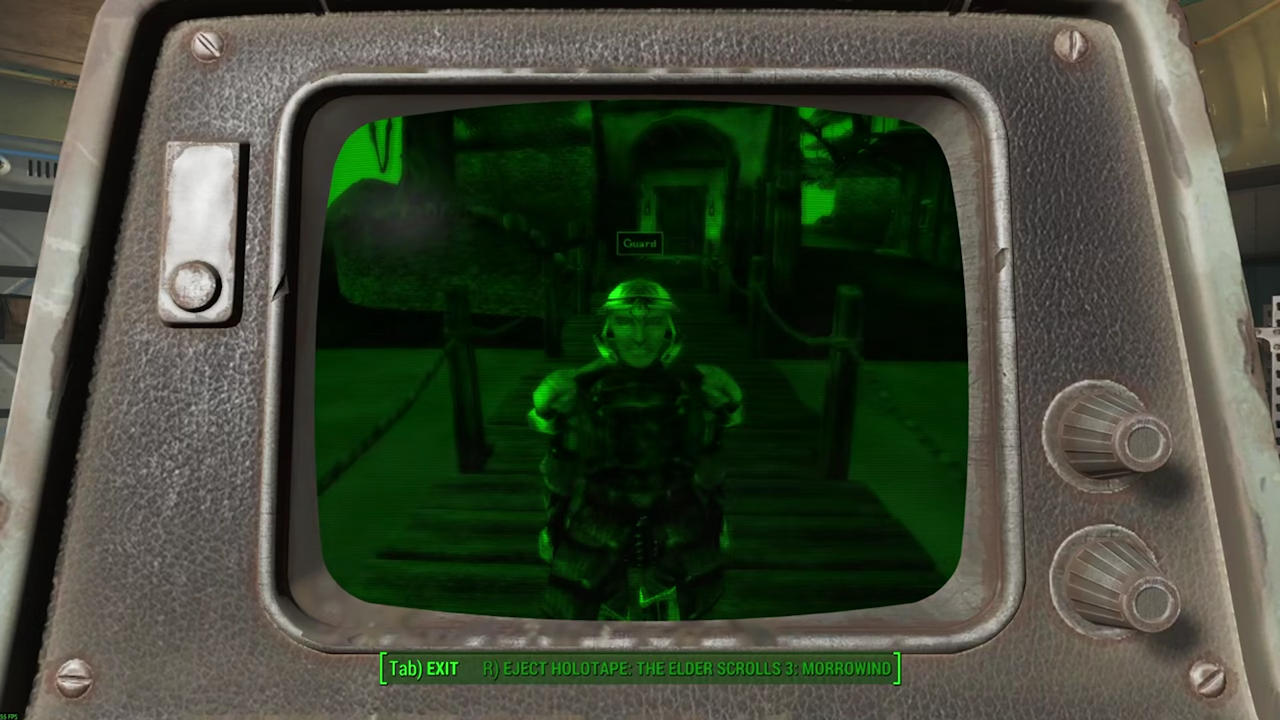
Bethception does exactly what it sounds like it shouldn’t: it gets OpenMW (Open Morrowind) running on Fallout 4’s Pip-Boy. In proper style, too, with everything buried under that deep-green monitor glow. Cool? Oh, absolutely. Comfortable? Not so much. The retrofuturistic tube-screen look makes Morrowind much darker and a fair bit harder to read.
That also applies to the other "screens" you can use—Fallout 4’s terminals—which can display The Elder Scrolls 3 as well thanks to the mod. Whether you’d want to spend hundreds of hours playing the charming old RPG that way is another matter. But trying it once? Sure. Here’s how it works.
How Bethception works
First things first: OpenMW is a modern open-source engine that gives Bethesda’s Morrowind a decent shove into the present day, widescreen resolutions included. Bethception uses a modified version of 0.50 to stream Morrowind live to the Pip-Boy.
The whole thing runs in a hidden window at a fixed resolution of 876×700 pixels, then gets upscaled to 1024×1024 pixels. It won’t work without one extra plugin, though: F4SE (Fallout 4 Script Extender). Among other things, F4SE handles the holotape trigger and forwards your inputs, because Morrowind does need to know what you’re pressing.
Bethception also gets Morrowind running on Fallout 4’s terminals.
Installation: Easy stuff for Bethesda fans
Here’s what you need for some proper Morrowind sessions on Fallout 4’s Pip-Boy (as of May 8, 2026):
- Windows 10 / 11
- An original copy of Morrowind from Steam
- An original copy of Fallout 4 from Steam
- OpenMW
- F4SE
The mod’s developer, "RPGKing117", says most OpenMW mods should work with Bethception.
Once you’ve got everything ready, make a backup of your OpenMW data just to be safe. The following files will be overwritten:
%USERPROFILE%\Documents\My Games\OpenMW\settings.cfg
%USERPROFILE%\Documents\My Games\OpenMW\input_v3.xml
%USERPROFILE%\Documents\My Games\OpenMW\shaders.yaml
Then run HolloWindSetup.exe as administrator. Follow the on-screen instructions, then install F4SE at the end.
For Bethesda fans, this is probably routine stuff. They’ve already got every script extender and mod under the sun sitting on their drives anyway. I do too, as it happens—and fittingly, I’m playing Morrowind, or rather OpenMW, right now again. Fallout 4 just never quite did it for me. Compared with the grim third game, it felt like a pleasant autumn walk that occasionally remembered to throw something at me.
And if you don’t feel like putting yourself through the Bethception installation, you can watch the result in the video below instead.
Read next:

Comments