Gaming without battle passes.
Takes without paywalls.
And stories without reposts.

N-OS: Desktop Story: An Invitation to Poke Around a Dev’s Private Life
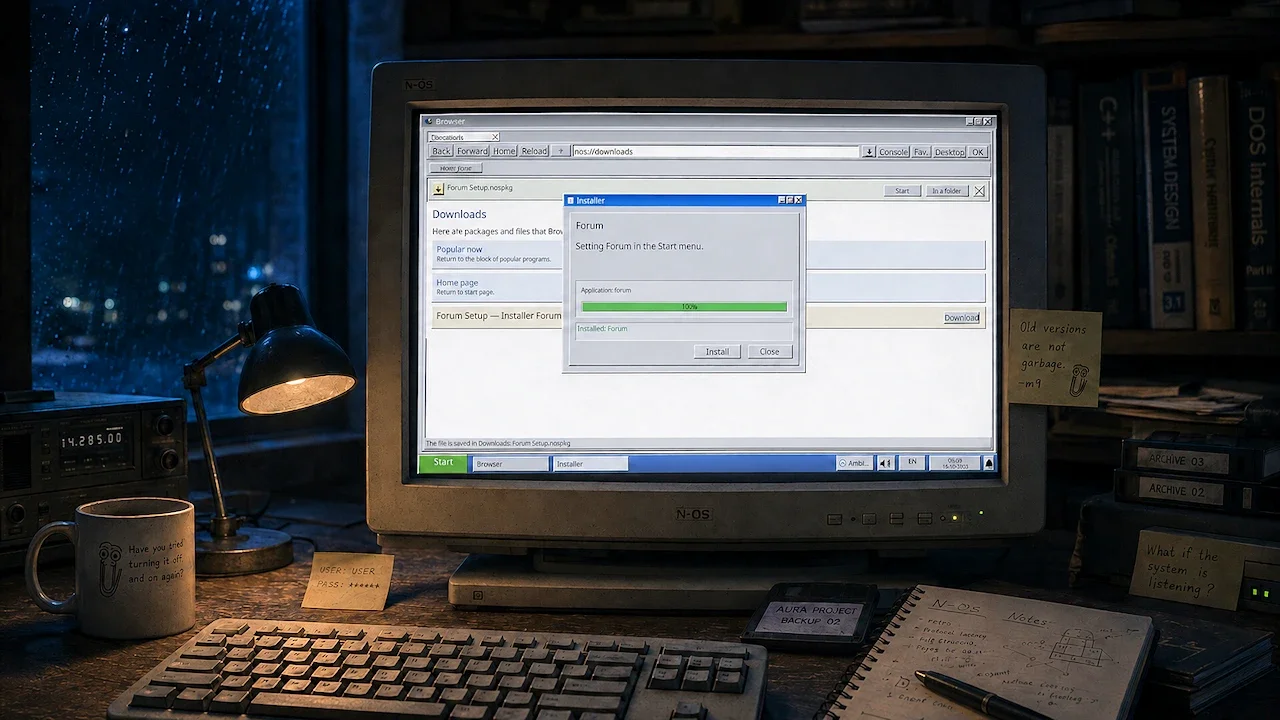
Not Her Story, but His Story: N-OS: Desktop Story launched in Early Access recently, inviting you to poke around the old PC of a certain Andrii Danchuk. It’s the developer’s way of telling a story based on his own life.
Do you ever peek through the curtains and secretly watch your neighbors? Be honest! No? Fine, but social curiosity is hardwired into us—and the newly released N-OS: Desktop Story is built to tap right into it.
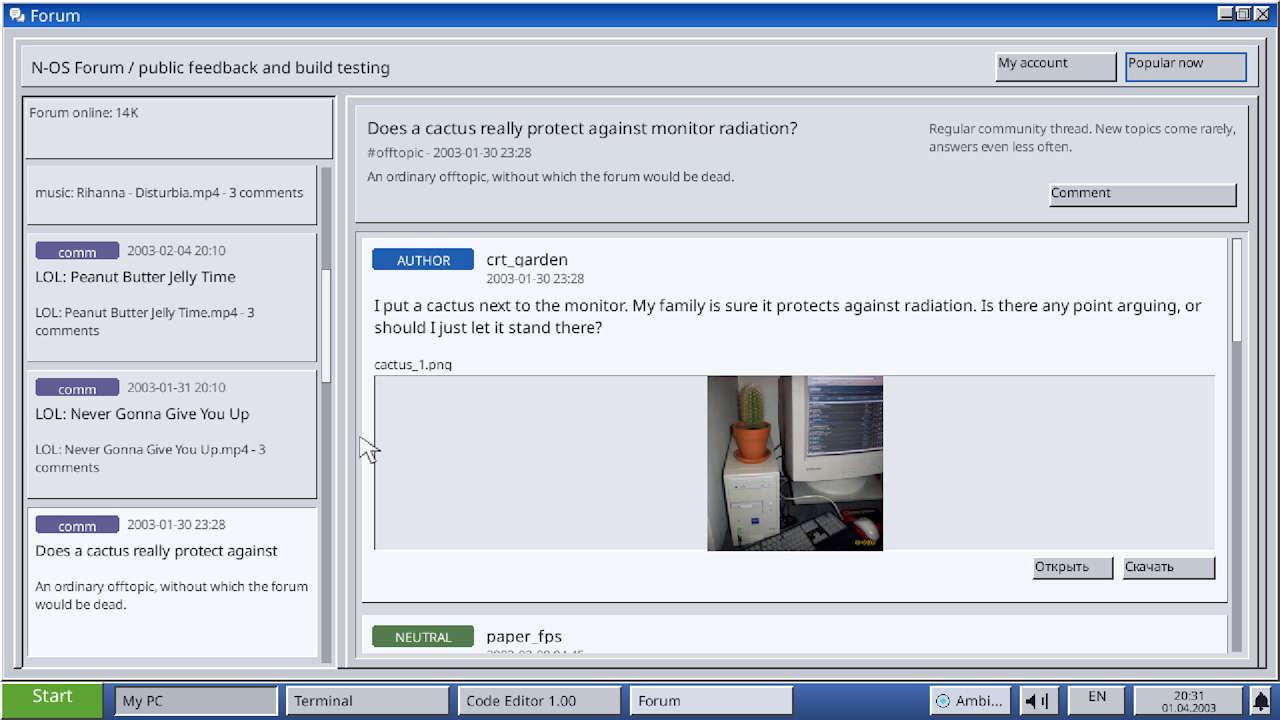
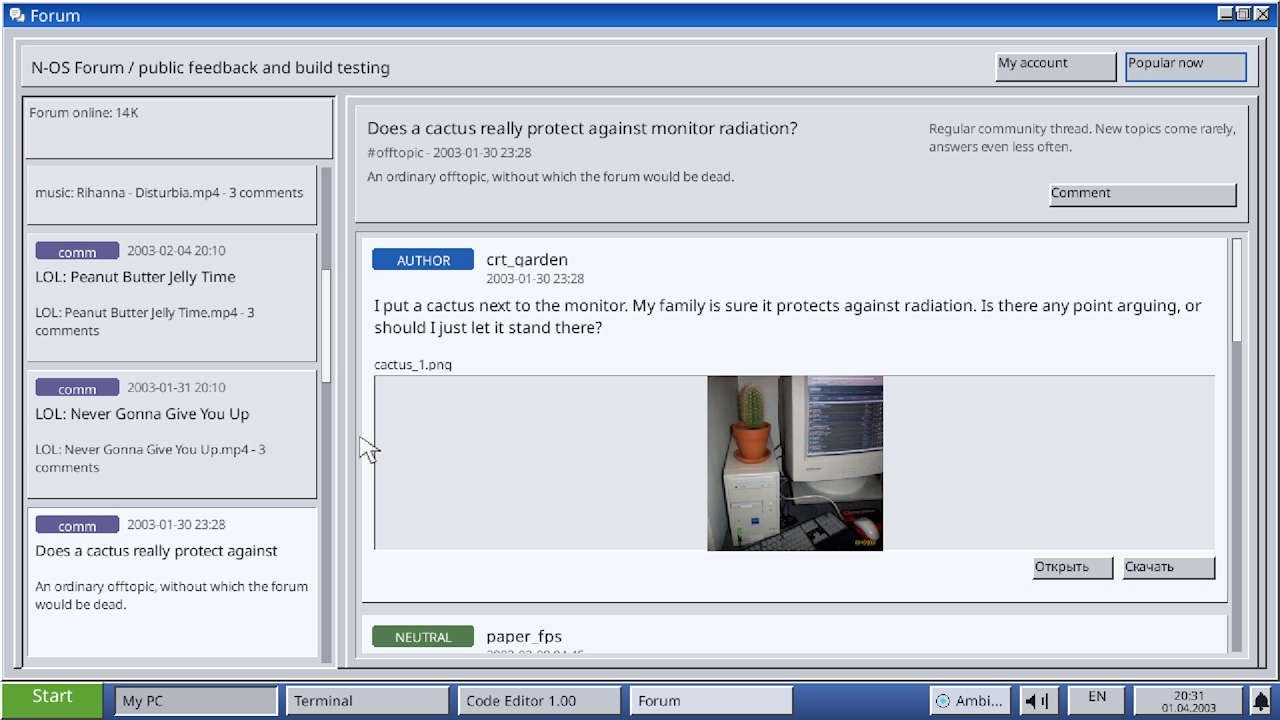
In theory, anyway. On the one hand, the developer of this “investigative” point-and-click game invites you to snoop through his past. The game does this by simulating an old virtual desktop styled after Windows XP, complete with emails, tools, forums, chats, and plenty more.
Some of these serve as storytelling devices, which means N-OS: Desktop Story has quite a bit in common with Her Story and similar games. Sounds tempting, right? Well, Danchuk also has several problems working against him:
- There are more than 8.3 billion personal stories out there
- The store description reveals very little about what kind of story this actually is
- The developer’s name isn’t Michael Jackson
- Steam is a visibility-devouring landfill
Probably for those reasons, N-OS: Desktop Story is currently attracting next to no attention (checked August 5). Still, I’m sure Danchuk has something interesting to tell. So let’s take a look at what we know about the game so far.
A living archive with digital companions
N-OS: Desktop Story takes place in the present day and casts you as a software developer. In that role, you return to an abandoned project with just three months left to finish it. After installing the old operating system—Neuro-OS—you dig through programs, files, messages, and chat logs to reconstruct both the system and your own past.
A look inside Neuro-OS’s email client.
As you’ve probably gathered by now, the entire game takes place on this simulated desktop. Neuro-OS acts like a living archive, with a particular focus on the vaguely described events of October 22, 2006. The inclusion of digital chat partners such as AURA and Bindy sounds especially intriguing; apparently, they know you—the in-game developer—better than you know yourself.
In some ways, Neuro-OS is a digital playground. Your interactions with it mainly involve:
- installing and exploring Neuro-OS
- opening and using various desktop apps
- reading logs, emails, and old forum posts
- repairing or completing faulty code
- talking to digital personalities such as AURA and Bindy
- making decisions that affect the story and its ending
- unlocking multiple endings and a free-roam mode
- solving puzzles, investigating clues, programming, and managing your time
The description doesn’t reveal whether N-OS: Desktop Story goes as deep into coding as Bitburner, a small JavaScript-based programming sim. One screenshot on the Steam store page does show what appears to be a proper code editor, though.
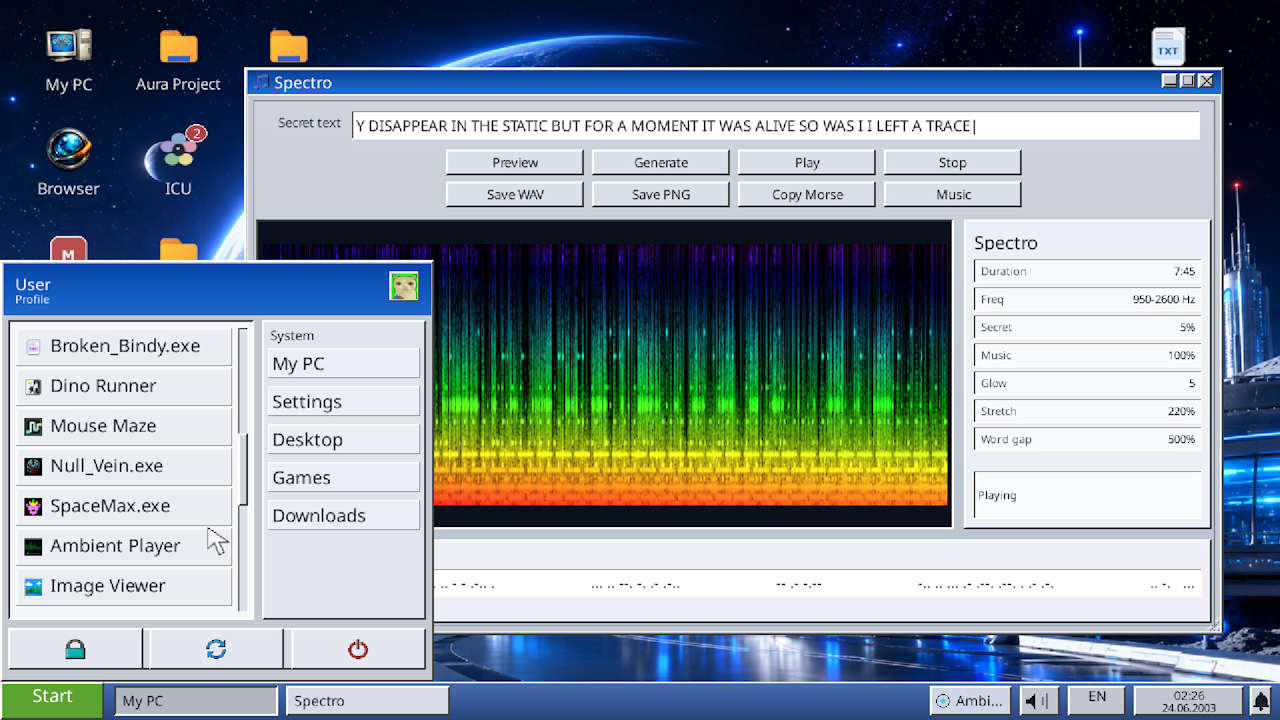
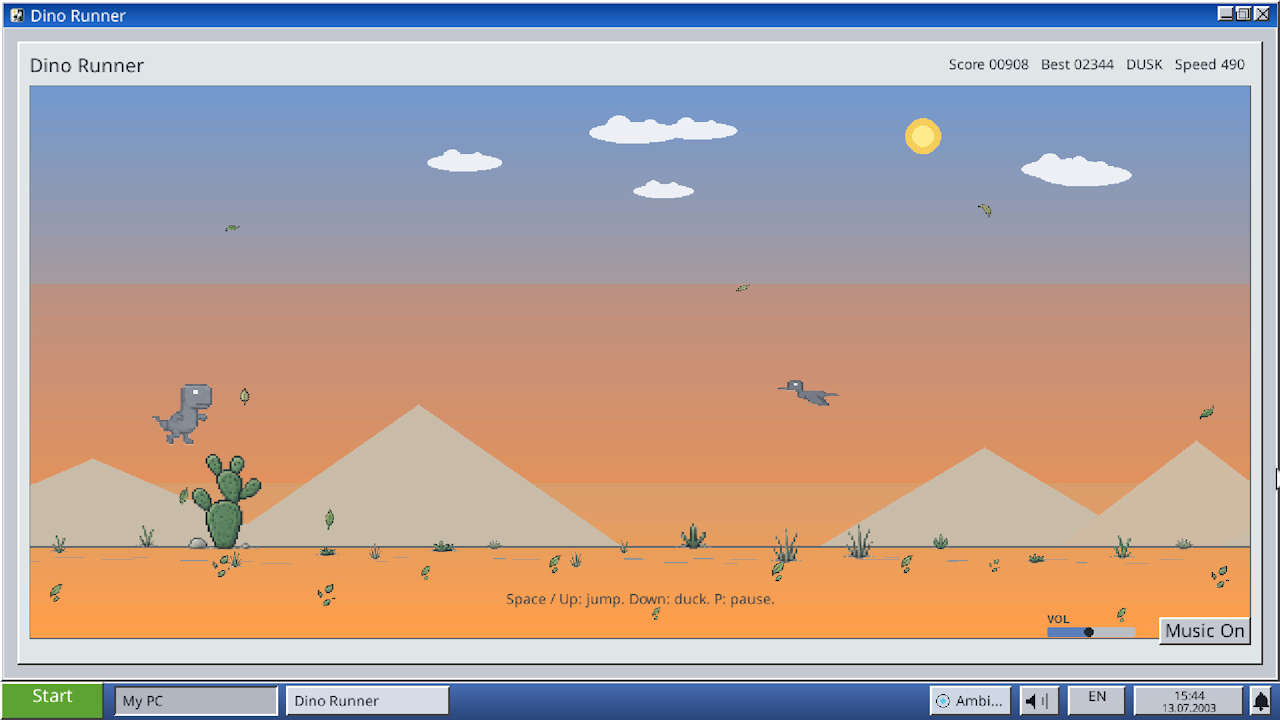
Left: Using the Spectro tool. Right: Dino Runner bears a striking resemblance to a certain browser-based offline dinosaur game.
What’s included in the Early Access version?
According to the developer, the N-OS: Desktop Story build released on August 3 already contains the complete main story. More apps, secrets, endings, and audiovisual improvements are planned, but Early Access is primarily intended to help optimize the game on a technical level. For that, Andrii Danchuk obviously needs players—hopefully a few more will stumble across his “desktop adventure.”
The game currently supports Windows and macOS, including native Apple Silicon support. Whether more versions will follow remains to be seen. Right now, unfortunately, the odds don’t look great.
Read next:

Comments